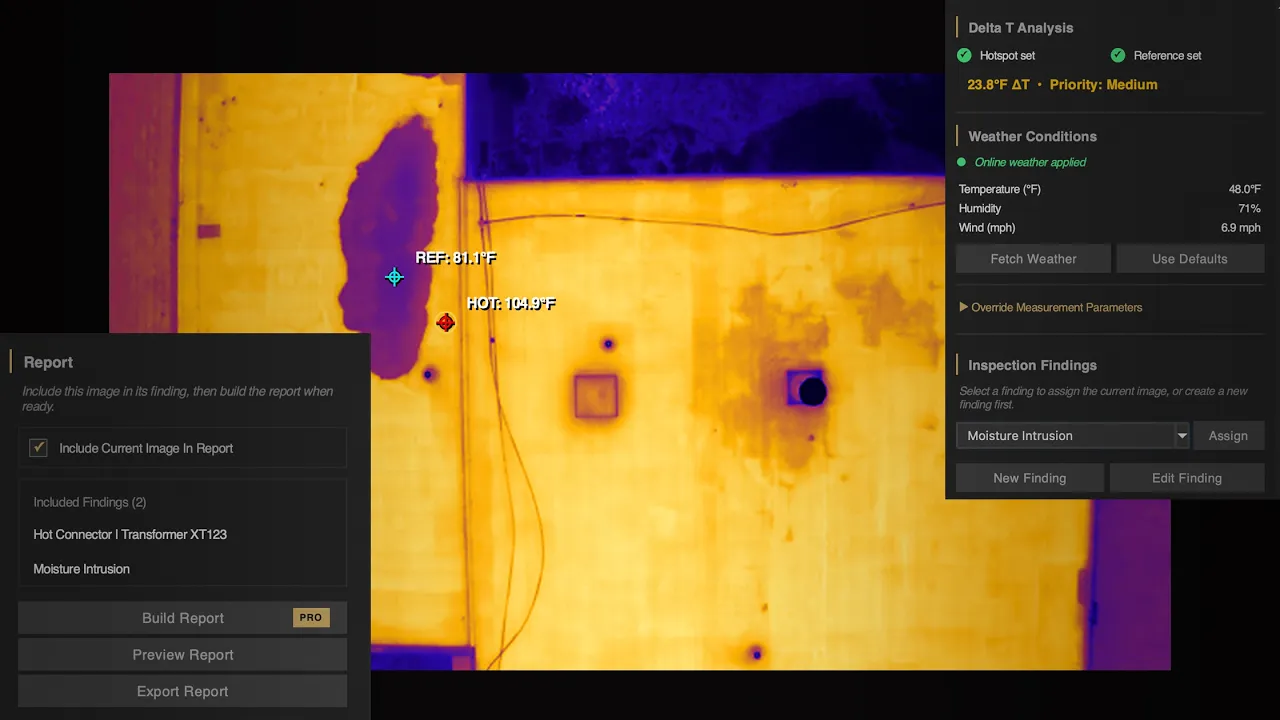
DJI Thermal Images on Mac. Finally.
//
Features
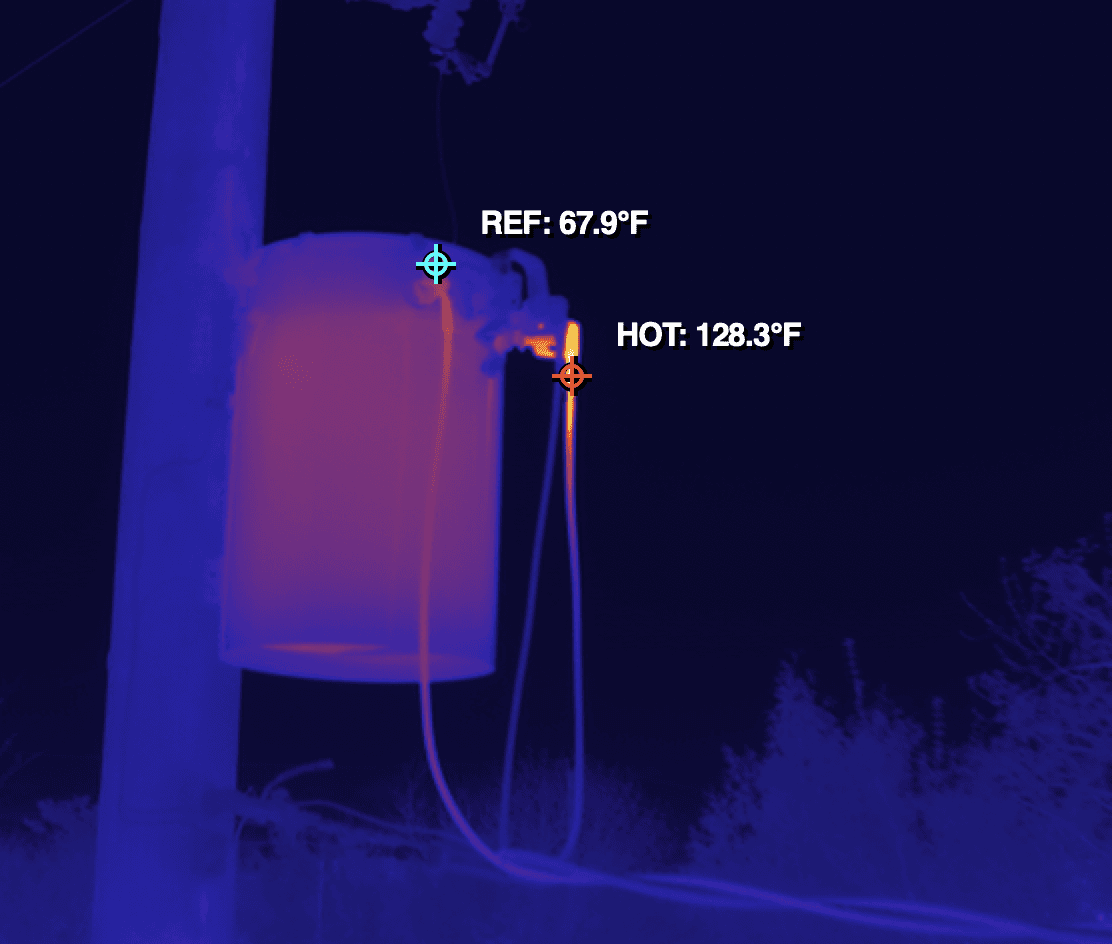

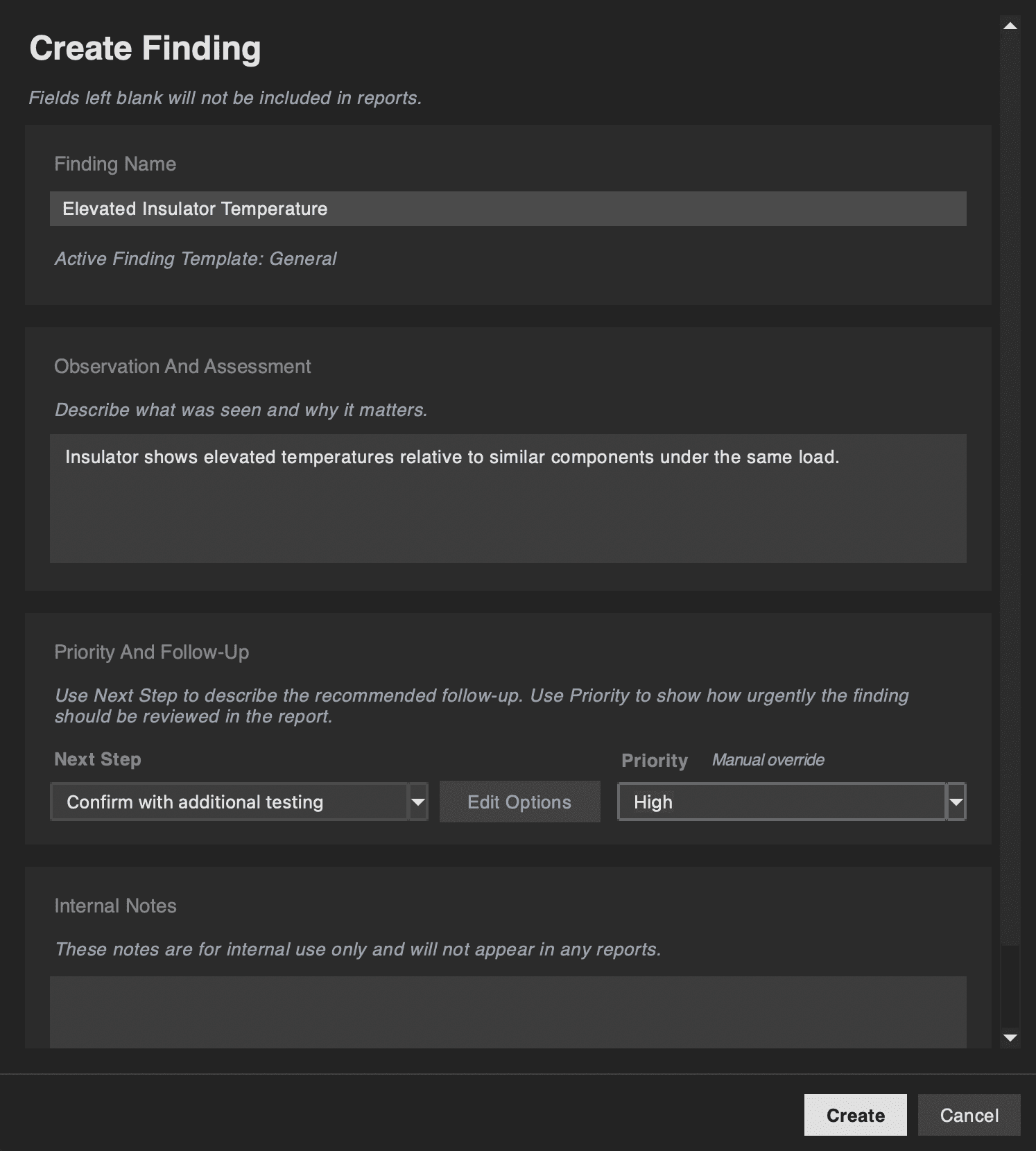
Professional PDF Reports
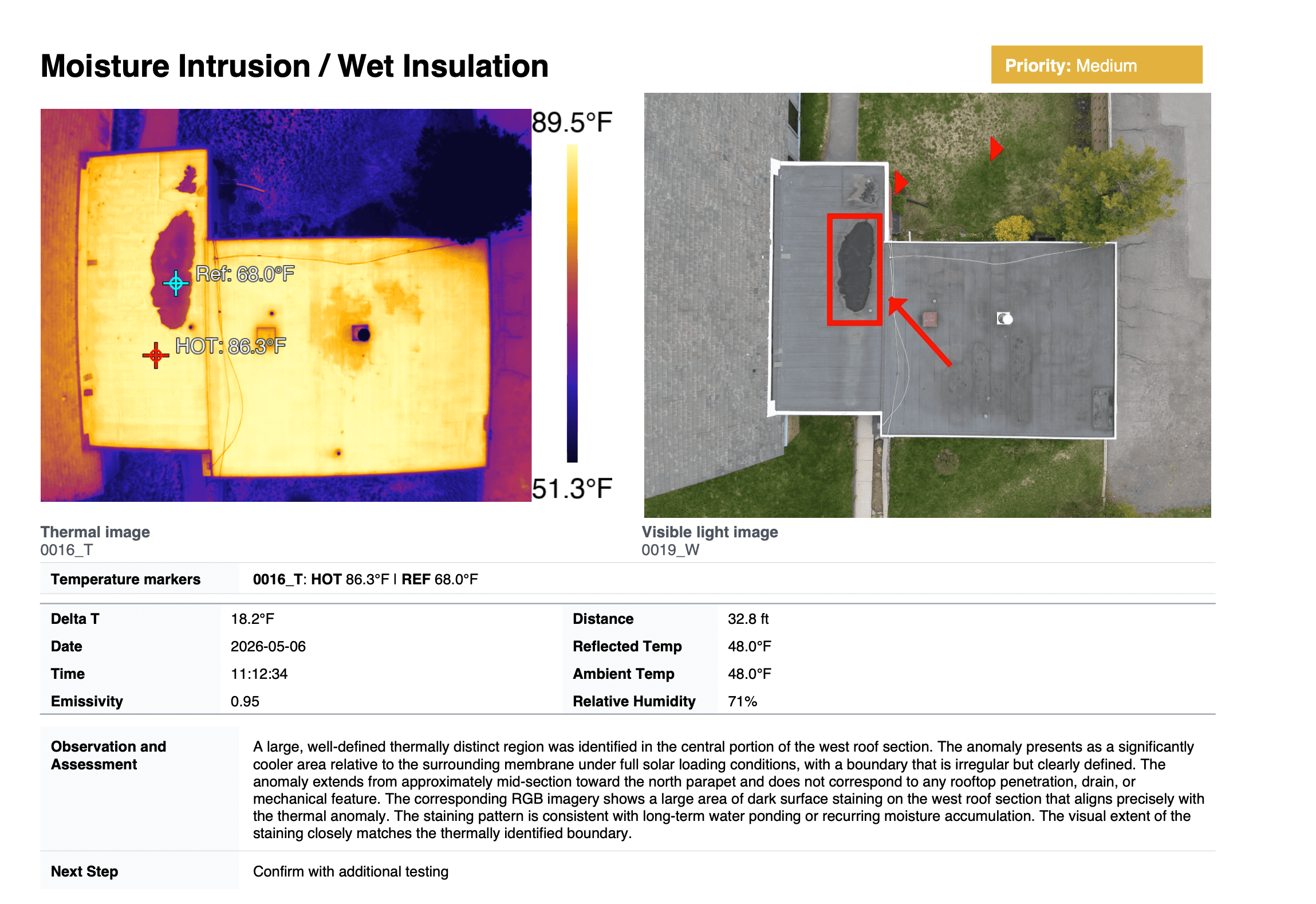
Generate structured, professional PDF reports from your inspection data without requiring a separate layout application or manual assembly.
Built-in report templates are tailored to each inspection type and are completely customizable in the Pro version of the app.
//
Pricing
Choose the HeatScribe license that fits your workflow.
//
FAQ
Frequently Asked Questions.
Is HeatScribe a subscription?
No. HeatScribe is a one-time purchase. You pay once and own the software — there are no recurring fees, renewal charges, or seat licenses.
What's the difference between Standard and Pro?
Standard includes the complete inspection and reporting workflow — thermal analysis, findings, Delta T prioritization, and professional PDF output — using HeatScribe's built-in templates and report structures. Pro adds full customization: report templates, custom fields, custom inspection types, advanced data sheets, and the Finding Image Location Map. If you need polished, consistent reports without custom configuration, Standard is complete. If you need to tailor the workflow and deliverables to your specific practice, Pro is the right choice.
Can I upgrade from Standard to Pro later?
Yes. Standard customers can upgrade to Pro by paying the price difference. The upgrade option is available from inside HeatScribe after activating a Standard license.
Which DJI cameras / drones are supported?
Supports radiometric DJI R-JPEG thermal images from DJI Thermal SDK-compatible systems, including Mavic 2 Enterprise Advanced, Mavic 3T, Matrice 30T, Matrice 3TD, Matrice 4T, and Zenmuse H20T/H20N/H30T payloads.
What Mac hardware does HeatScribe support?
HeatScribe runs natively on Apple Silicon (M1 and later). Intel-based Macs are not supported. MacOS 14 Sonoma or newer is required.
Does HeatScribe replace a qualified inspection process?
No. HeatScribe helps organize thermal evidence, measurements, annotations, and reports, but professional judgment is still required when interpreting findings.
Who built HeatScribe?
HeatScribe was designed and built by a mechanical engineer and certified thermographer. M.A.Sc. Mechanical Engineering · Level 1 Thermographer, Infraspection Institute · Licensed sUAS Operator
Do you offer refunds?
Yes. HeatScribe purchases are eligible for a 14-day good-faith refund. We encourage you to use the free trial before purchasing, but using the trial does not automatically prevent a refund. If HeatScribe does not work as expected on supported hardware, or if you purchased by mistake, contact support within 14 days of purchase.
Does HeatScribe require an internet connection?
No. All analysis and report generation happens locally on your Mac. An internet connection is only used for paid license activation and optional features like weather fetch and map functionality.
Does HeatScribe upload my inspection images?
No. Your images, thermal data, findings and reports stay on your Mac. No feature in HeatScribe uploads them, and there is no account and no cloud library. Weather lookup sends a location and timestamp, and report maps send coordinates — neither includes your images. Our data handling page sets out the full detail, including diagnostics and DJI's SDK components.